Copy the feed link
Tap Copy link above. It is just a web address, not a password or a secret handshake.
Fresh Lil’meme posts, delivered to your feed reader — explained without the robot glossary.
RSS, in normal-person language
Instead of checking ten websites and hoping an algorithm remembers you exist, you add one feed link to a reader. New posts then collect in one place. Think inbox, but for websites you actually chose.
Meme Wire
A tiny pipeline for big opinions
✓ Pick the feed
✓ Add it once
✓ Get new memes automatically
Choose your doorway
The main feed: original Lil’meme posts with the image, context, and a permanent link back to the meme page.
https://lilmeme.fun/feed.xmlStart.me, Feedly, Inoreader, NetNewsWire, and other readers can use the same link. Pick the one that does not annoy you.
https://lilmeme.fun/feed.xmlTwo taps and done
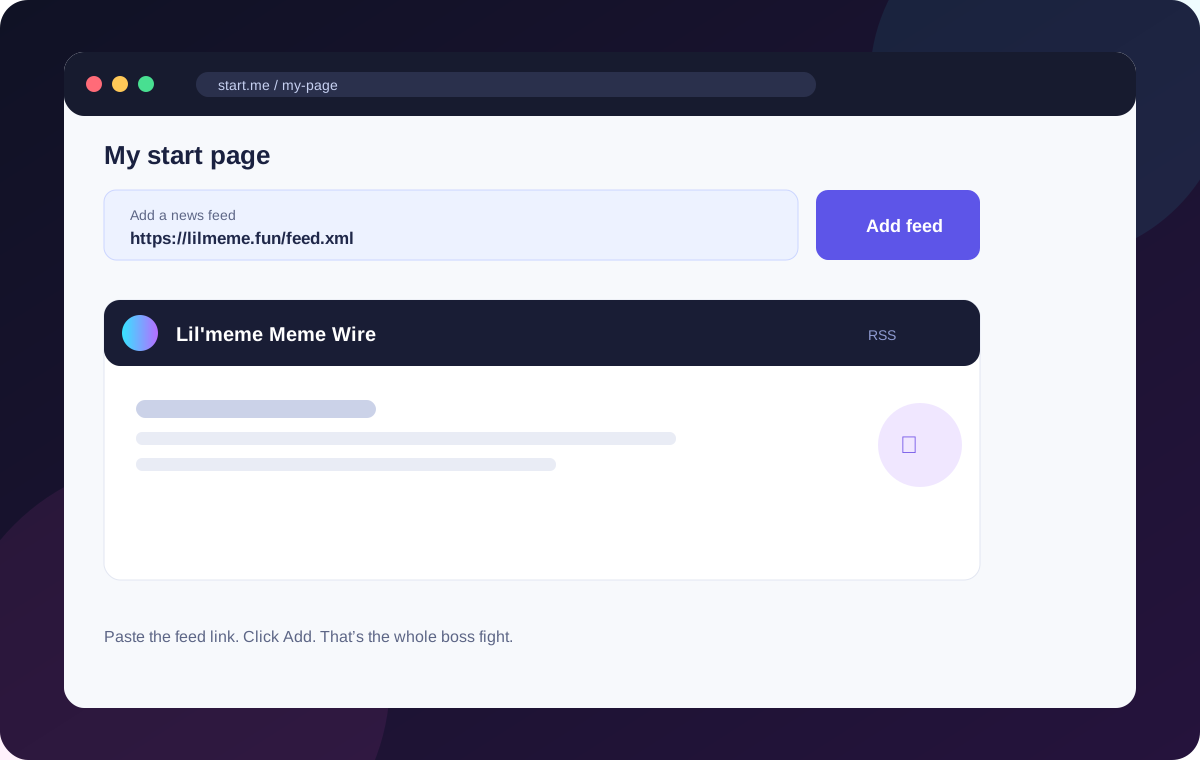
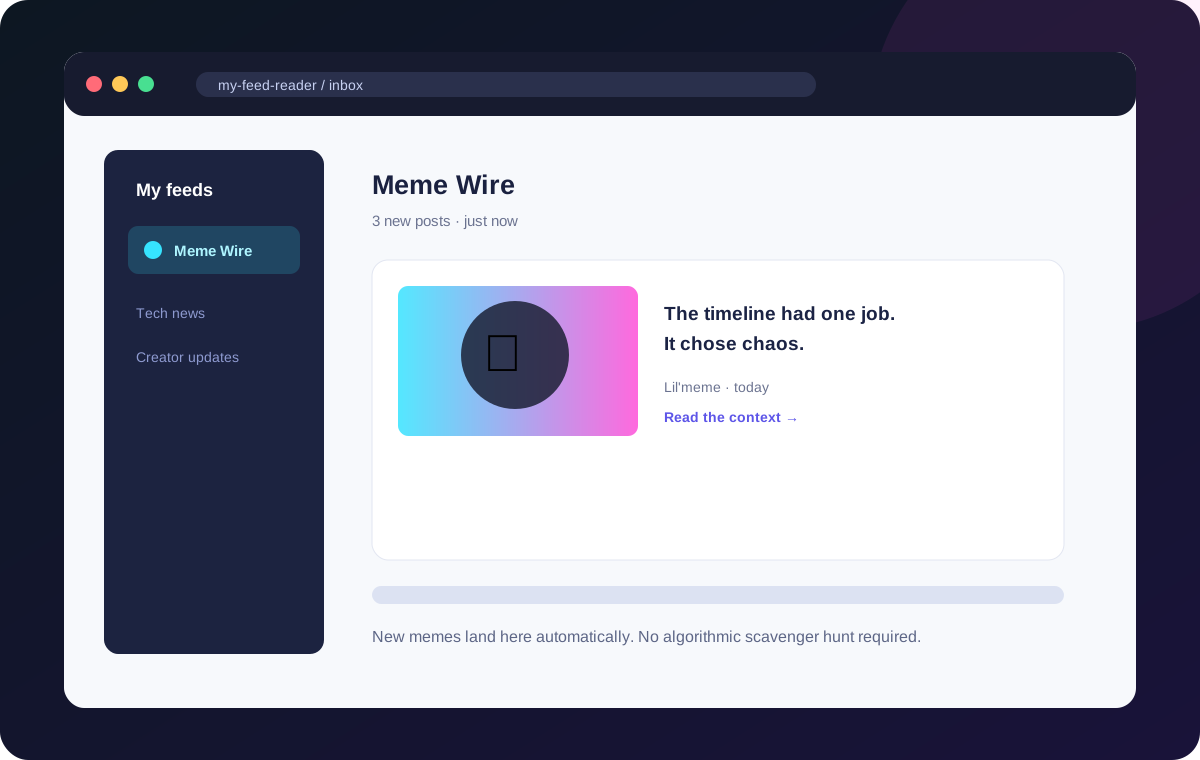
These screenshots show the basic flow. The buttons may wear different outfits in different apps, but the idea stays the same.
The 30-second version
Tap Copy link above. It is just a web address, not a password or a secret handshake.
Start.me works well, but any RSS reader works too. Look for Add feed, Subscribe, or the little RSS symbol.
Each post brings the meme, its headline, the caption, and a link back to the full page on Lil’meme.
We publish a public RSS feed. Anyone can add it to Start.me or another reader. It is opt-in: people choose to follow it. There is no magic button that adds one feed to every Start.me user on Earth.
Every meme can also have its own page on Lil’meme. Google may discover and surface policy-compliant pages in Search, News, or Discover over time. That is earned visibility, not a guaranteed placement slot.
The strongest format is “Meme of the Day + what happened in crypto today.” The image earns the glance; original context gives the page something useful to say. We can make the feed easy to subscribe to, submit a sitemap, use large images, and keep the editorial feed clean. We cannot force Google News or Discover to feature it. Google remains impressively committed to being the final boss.